Revvox Dial · Hiring
Screen every applicant. Hire the right ones faster.
Revvox Dial is AI phone screening that calls every applicant in their language, marks Pass, Check or Not fit by your rules and books interviews. 14+ languages.
The problem
400 applicants for one role. Your recruiters reach the first 40. The best one was number 212. Revvox Dial calls all of them.
Outcomes
Every applicant screened.
Every result with its reason.
Every applicant called
Not the fraction your recruiters had time for.

Pass, Check or Not fit
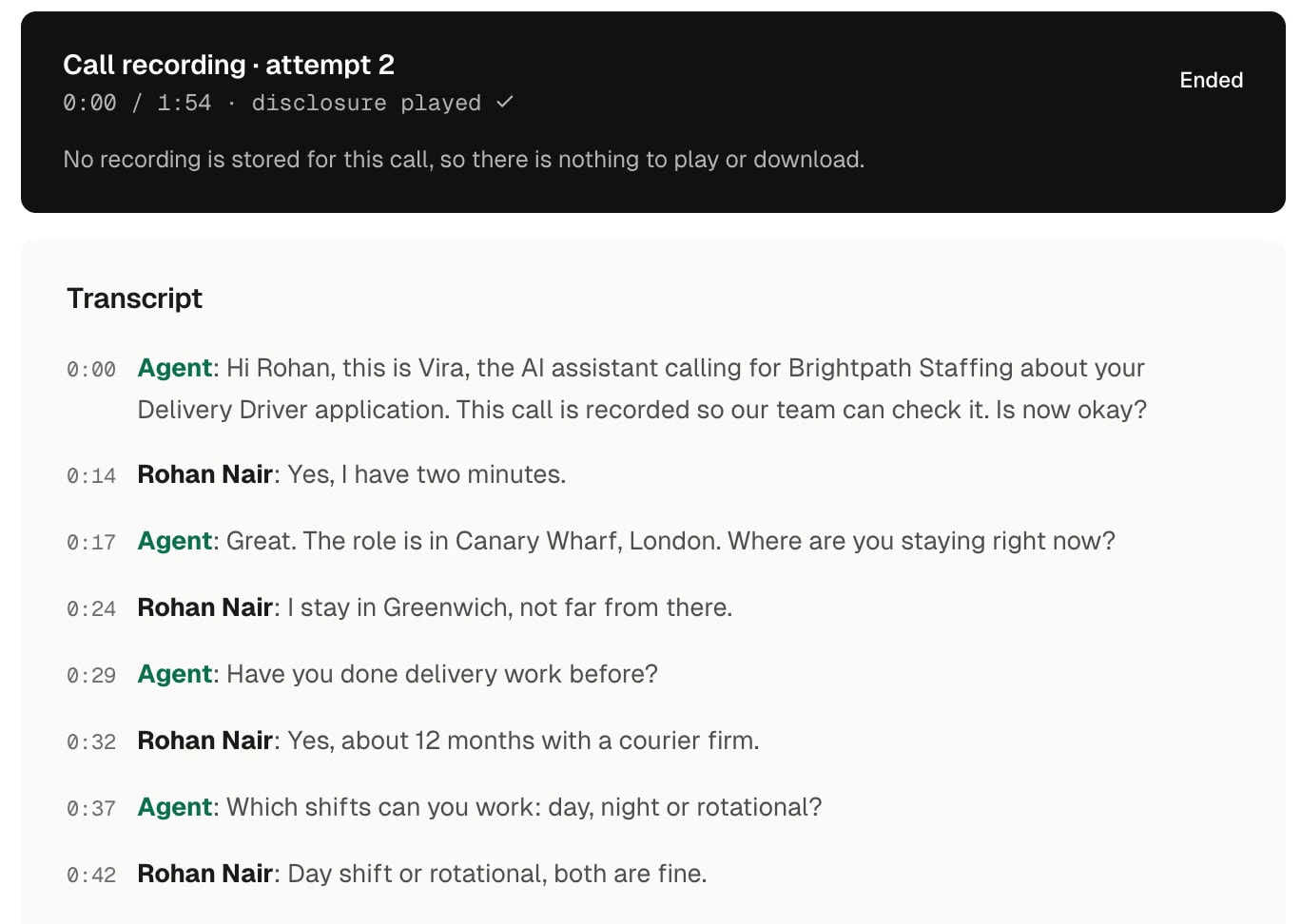
Always with the reason, quoted as they said it.
A person decides every Check
Vira never rejects someone on a guess.
Interviews booked on the call
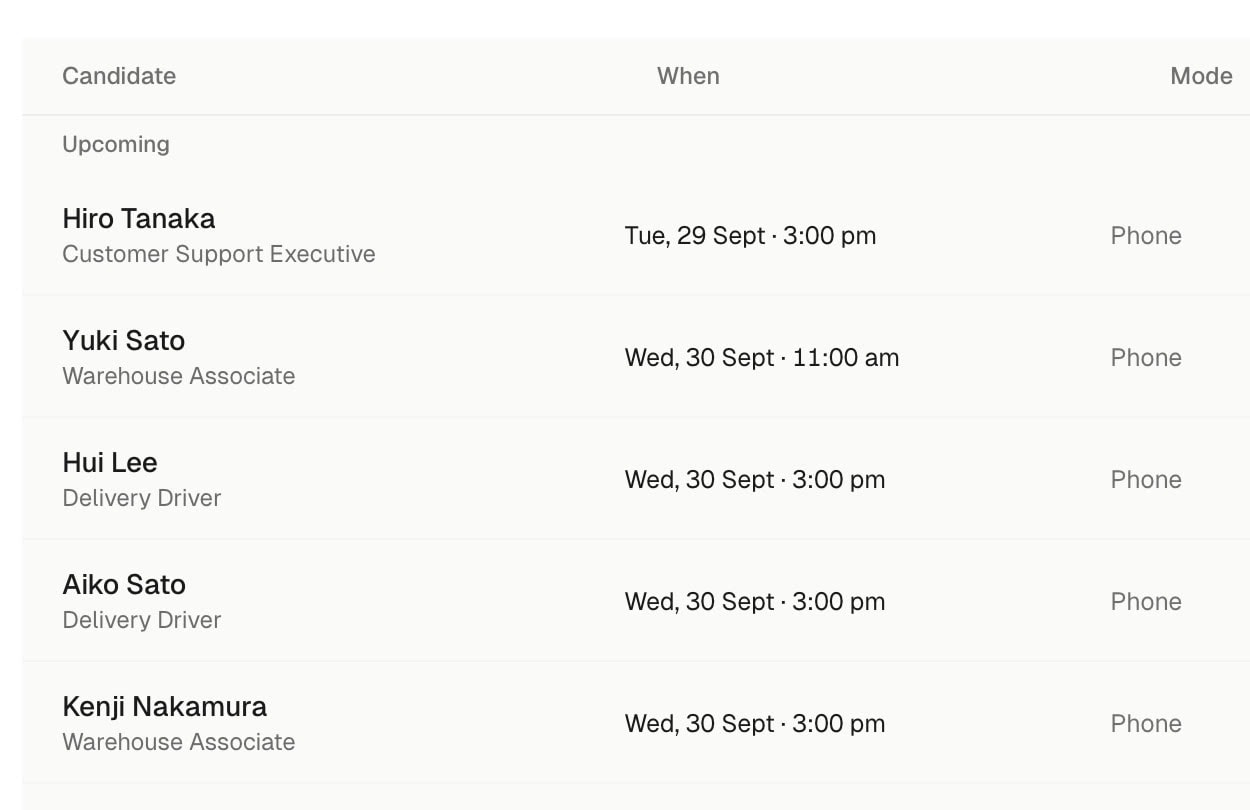
With WhatsApp confirmations and reminders.
Test Vira
Real applicants. Real interviews.
A delivery driver, screened and booked.
Sample calls with demo companies. Both voices are generated, so you hear how Vira sounds and what it asks.
Hiring
HinglishA delivery driver, screened on one call
How it works
It takes an afternoon
to screen your first role.
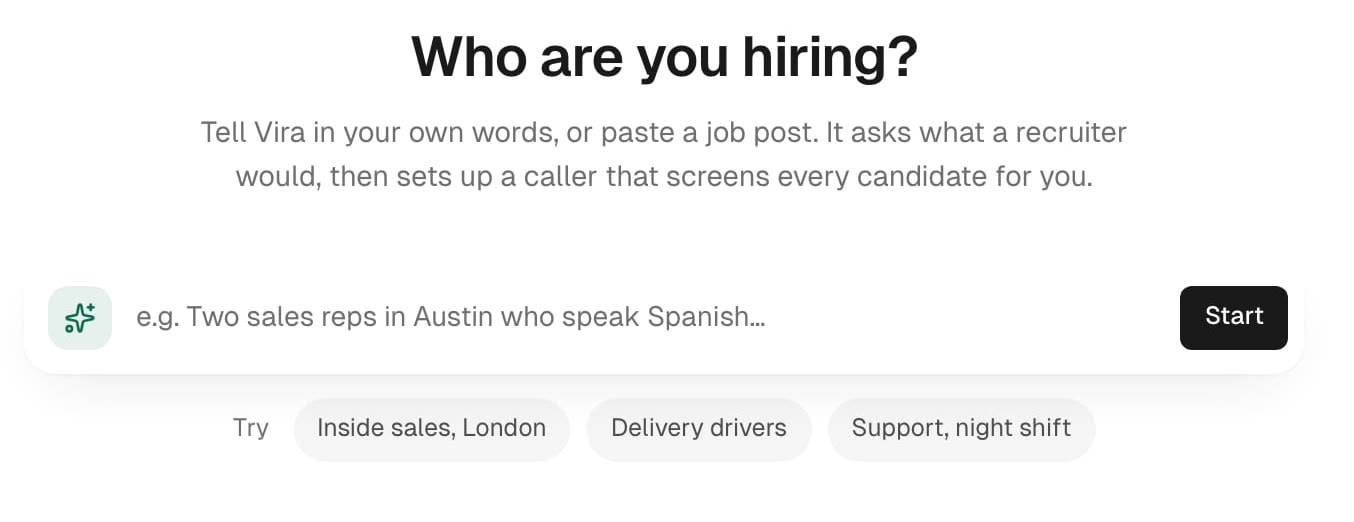
Step 1
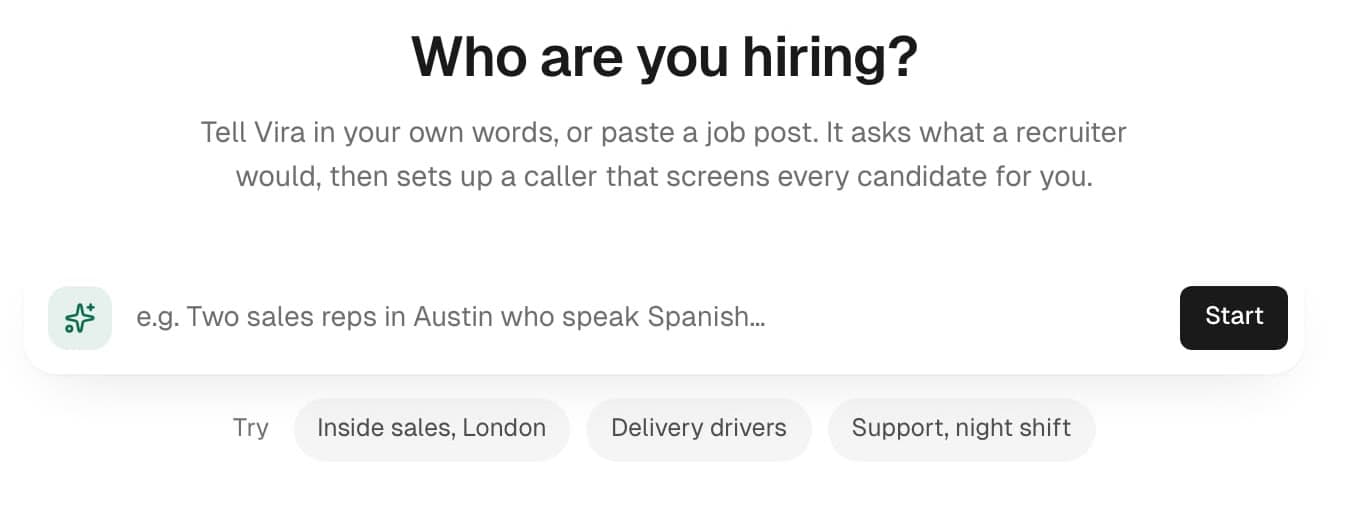
Create the role
Describe who you are hiring or paste a job post. Vira drafts the must-haves and questions for you to approve.
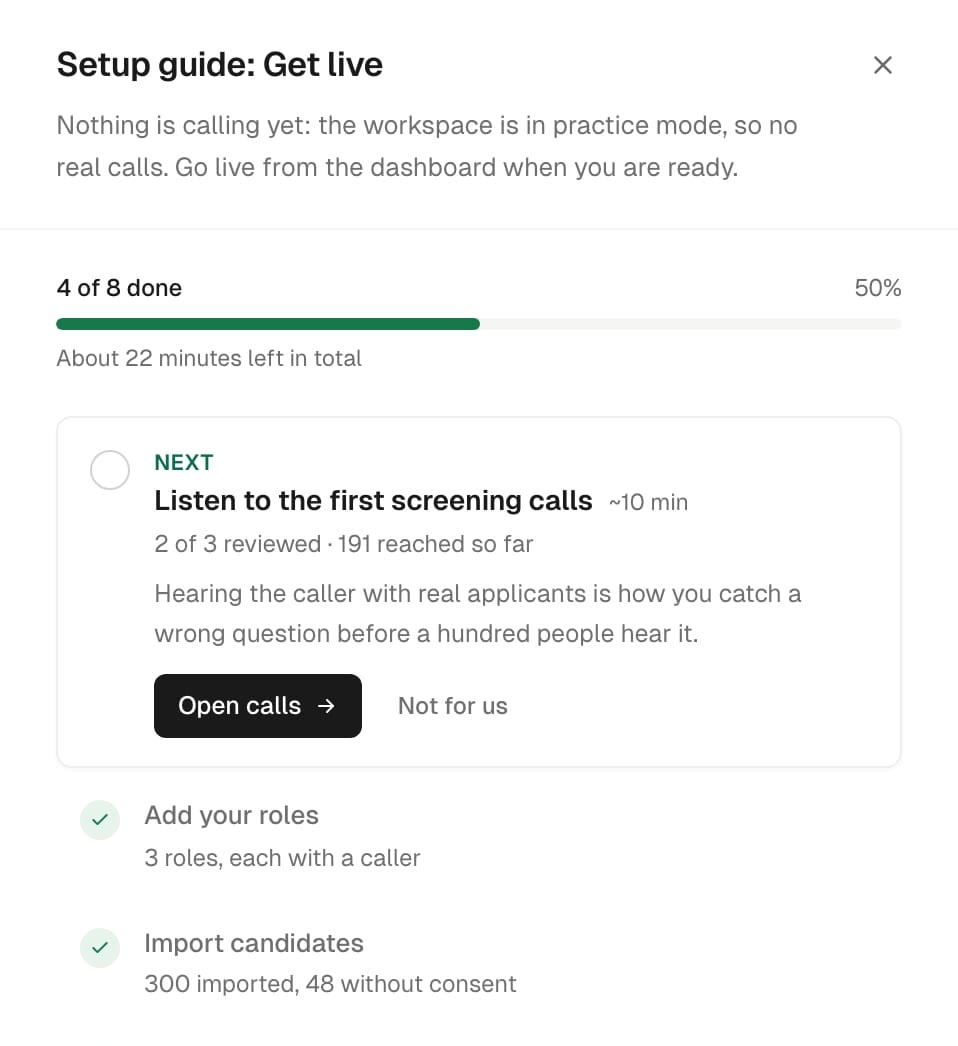
Step 2
Import applicants
Connect your careers form, import a list with the consent each row came with, or post from any system to a signed link.
Step 3
Screening calls go out
In each applicant's language, inside calling hours. No answer? It tries again by your rules.
Step 4
Read the report
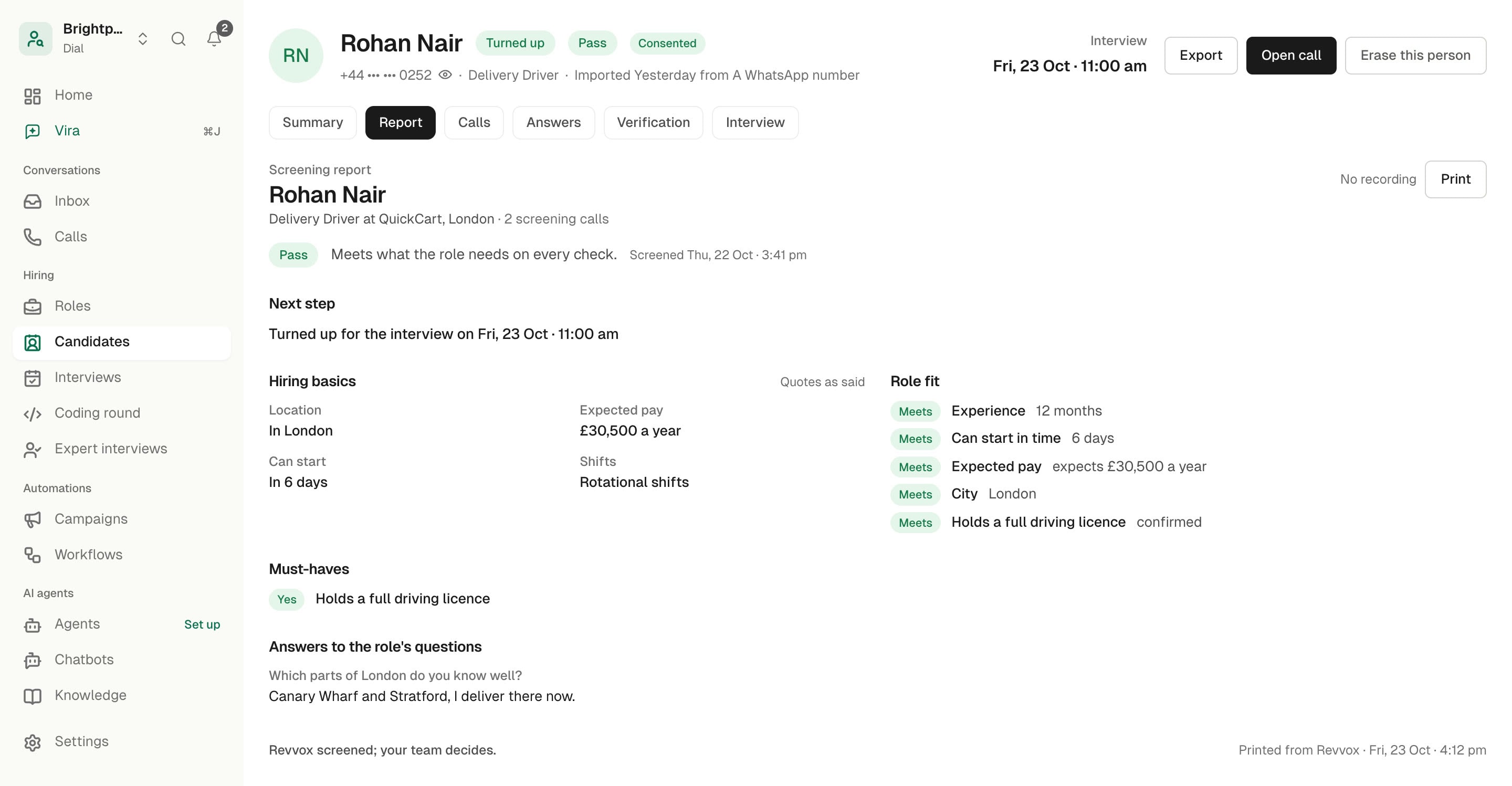
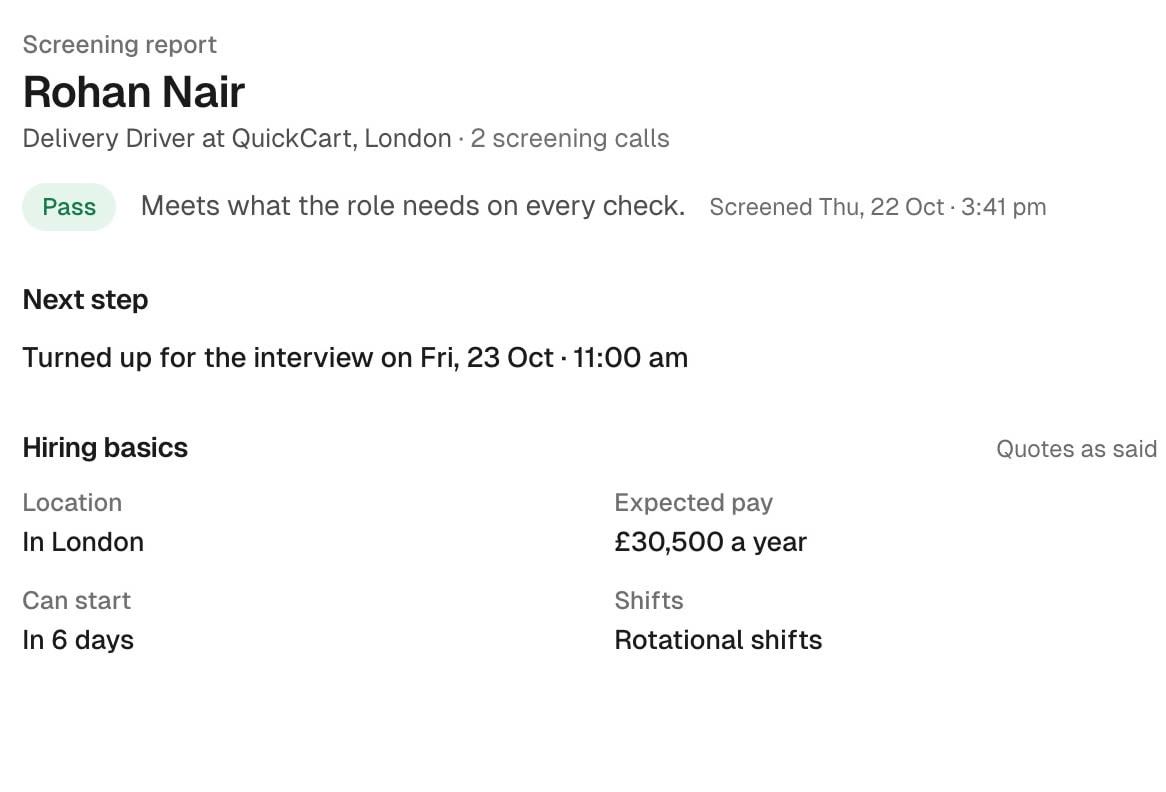
One page per applicant: Pass, Check or Not fit, the reason and the answers in their own words.
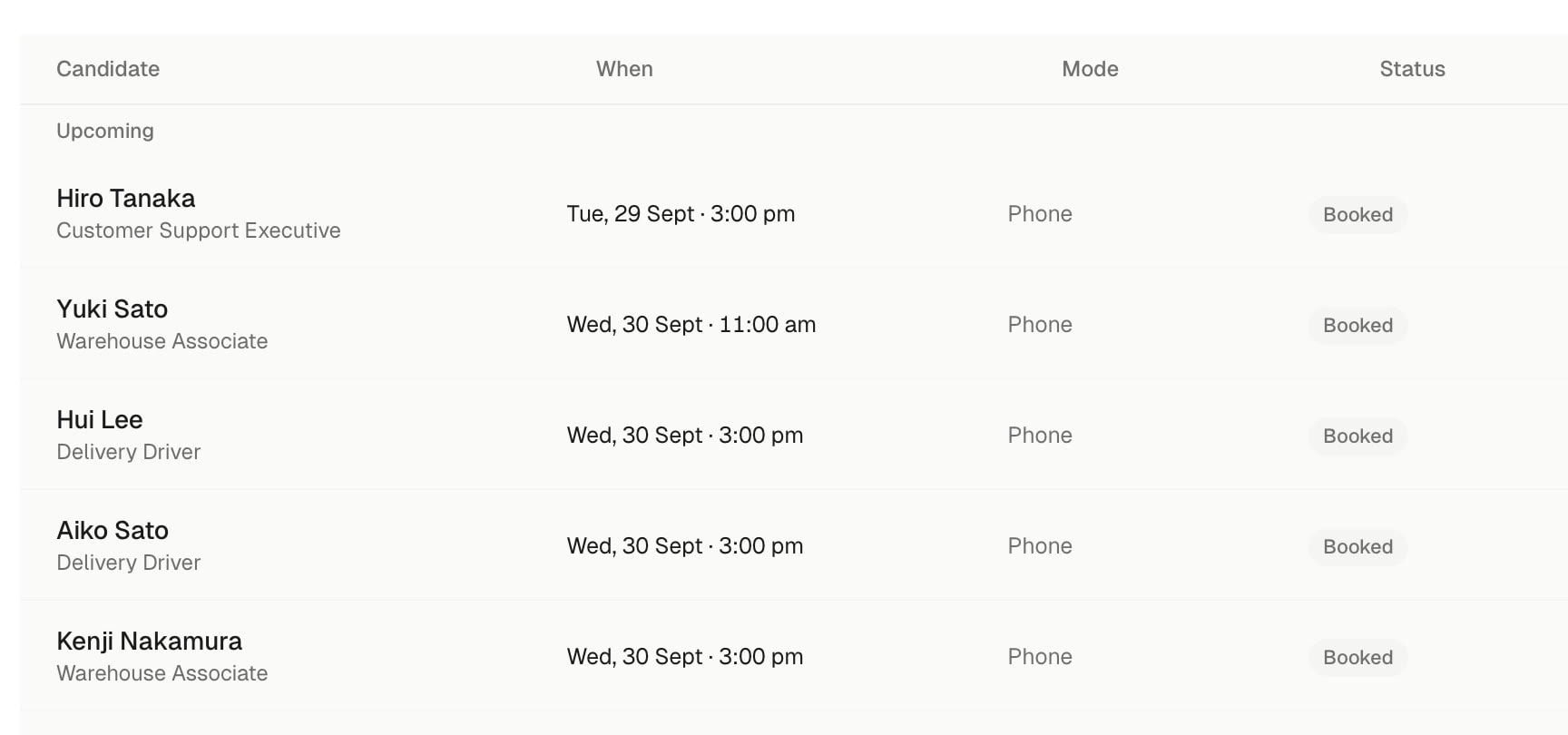
Step 5
Meet the ones who fit
Passes book a slot on the call. WhatsApp confirmation, reminders 24 and 2 hours before, and a reminder call.
What makes it different
What makes Revvox Dial different
Fair to every applicant. Clear for every recruiter.
- 01
Asks only what you approved
A screening call is a legal conversation. One question about religion, family plans or health, and the call is a problem, not a shortlist.
Vira asks only the questions on the role you approved, in that order. It never asks about religion, caste, gender, marital status or health, and asks age only as 18 or over.
- 02
A person decides every Check
Software that rejects people on its own is the fastest way to lose a good hire, and the trust of everyone who applied.
Every applicant ends as Pass, Check or Not fit, always with the reason and their own words behind it. Anything unclear becomes a Check and waits for your team. Every hire is your team's call.

- 03
Booked on the call, reminded until they come
A pass who has to wait for an email to book an interview is a pass who takes another offer. Then half the booked ones don't turn up.
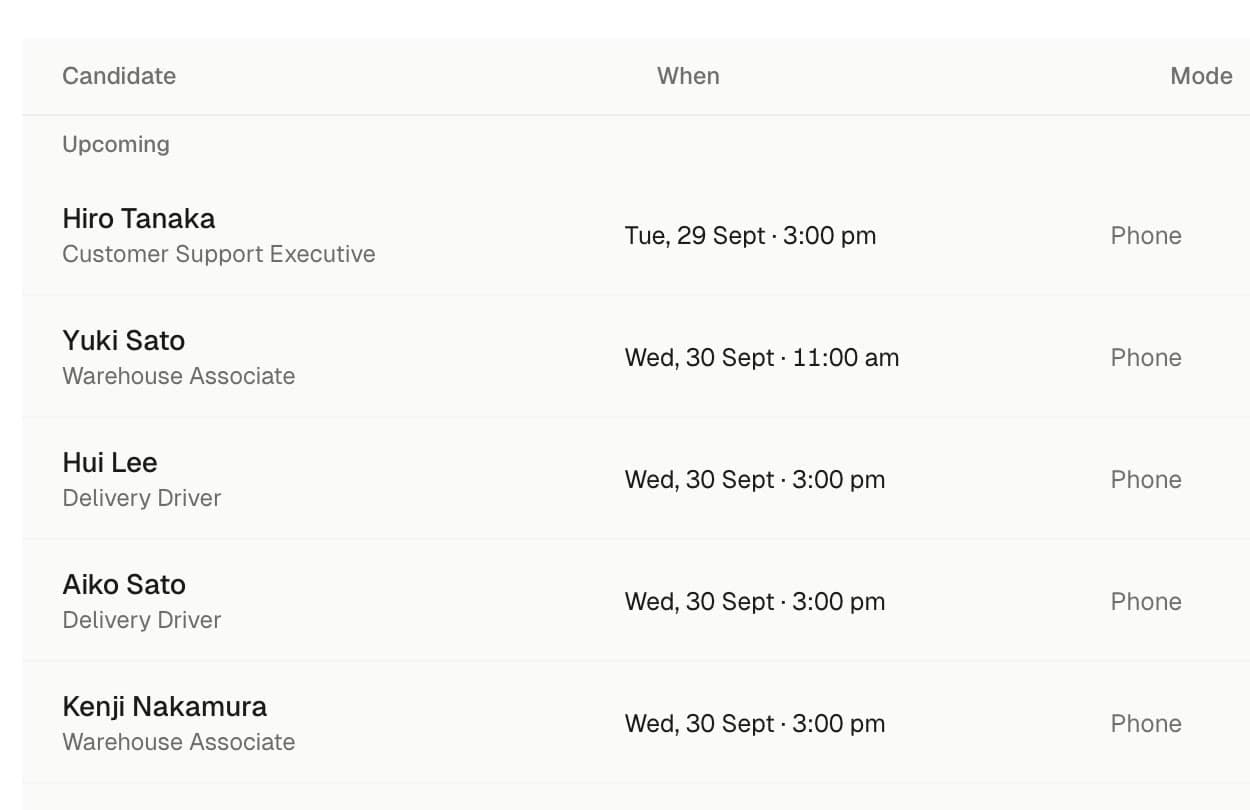
Passes pick a slot before the call ends. Dial confirms on WhatsApp, reminds them 24 and 2 hours before, calls to check, and rebooks no-shows.
- 04
14+ languages, one screen
The best warehouse lead or driver may not want to do a screening in English. A call they can't follow tells you nothing about the job.
Vira calls each applicant in their language, from 14+, and the report quotes their answers as they said them.
Rounds
Every round, and where it stands.
Live or early access, said plainly.
Phone screenLive
Every applicant called and checked against the role's must-haves.
AI first interview by phoneLive
Structured questions after a pass, with the candidate's answers in their own words.
Coding round for tech rolesEarly access
A timed task in real code, tests run in a sandbox, every run on record for your team.
Expert interviewEarly access
A human interviewer from outside your team, for the rounds that need one.
Hiring engineers? See the coding round and expert interviews, both in early access.
Integrations
Applicants in from anywhere.
Results out to your team.
- Your careers form LiveApplicants come in with the consent they gave when they applied.
- CSV or spreadsheet import LiveA list of applicants, with the consent each row came with.
- A signed link LiveJob boards, forms or your own tools post applicants to it.
- WhatsApp LiveA message to your recruiter for each Pass; confirmations and reminders to the applicant.
- Signed webhooks LiveEvery outcome sent to your own systems.
- Workflows LiveGoogle Calendar, Google Sheets, webhook and WhatsApp steps.


Works in the real world
Built for hiring
at every scale.
Every applicant called
Within minutes of applying, inside calling hours.
Approved questions only
The role's questions, in the order you set.
One report per applicant
Pass, Check or Not fit, with the reason.
Interviews on the call
WhatsApp confirmation, reminders and a reminder call.
14+ languages
Each applicant called in their language.
Role and source reports
Pass rate and turn-up by role and by source.
Built for trust
Tested. Trusted.
Ready for your applicants.
Calling hours you set
Night applicants are called the next morning.
“Stop” means never again
Say stop once and that number is not called again.
Consent first
Nobody without a consent record is called.
A person decides every Check
Every hire is your team's call.
No protected questions
Never religion, caste, gender, marital status or health.
Export or erase
A candidate's record, whenever you are asked.
Pricing
Three plans. Pay as you grow.
Credits work across Dial, Loop and Talk. An applicant uses 30 credits, retries included.
Starter
$59 /month + tax where applicable
2,000 credits · ≈ 66 applicants or leads
About $0.89 an applicant or lead. Or $599 a year.
Choose StarterGrowth
$179 /month + tax where applicable
6,700 credits · ≈ 223 applicants or leads
About $0.80 an applicant or lead. Or $1,829 a year.
Choose GrowthScale
$449 /month + tax where applicable
16,850 credits · ≈ 561 applicants or leads
About $0.80 an applicant or lead. Or $4,849 a year.
Choose Scale
Founding offer for the first 20 companies: +50% credits for 6 months and a 12-month price lock. Ask us →
Pay yearly and save up to 15%. Top-ups from 500 credits. Paid by card, with an invoice. See full pricing → In India? Rupee prices, + GST →
Questions
What teams ask
before they start.
Do we approve what the AI asks applicants?
Does the AI reject applicants on its own?
Will it ask anything we should never ask?
What does the applicant hear?
How do you get consent to call?
How long does it take to start?
Does it connect to our ATS or job board?
Does it run video interviews or coding tests?
What does it cost?
Ready to turn every applicant into a hire?
Start on your own roles in practice mode, or book a demo and we set up the first ones with you. Cancel anytime.